
Why Does My Ceiling Fan Wobble? 6 Real Causes and Fixes

A ceiling fan that shimmies overhead or hums through the evening feels like a machine coming apart, and most people assume the motor is failing. It rarely is. A wobble is almost always a balance or mounting problem, and noise usually traces back to a loose part, a worn bearing, or the wrong kind of switch feeding the motor. Once you know which of those you are looking at, the fix is often a screwdriver and ten minutes on a ladder, though a few cases belong to a licensed electrician.

QUICK ANSWER: A wobble means the fan is out of balance or not mounted solidly, not that the motor is bad. Noise means a loose part, a failing bearing, or a dimmer wrongly used as a fan speed control. Balance and mounting come first; the motor is the last suspect.
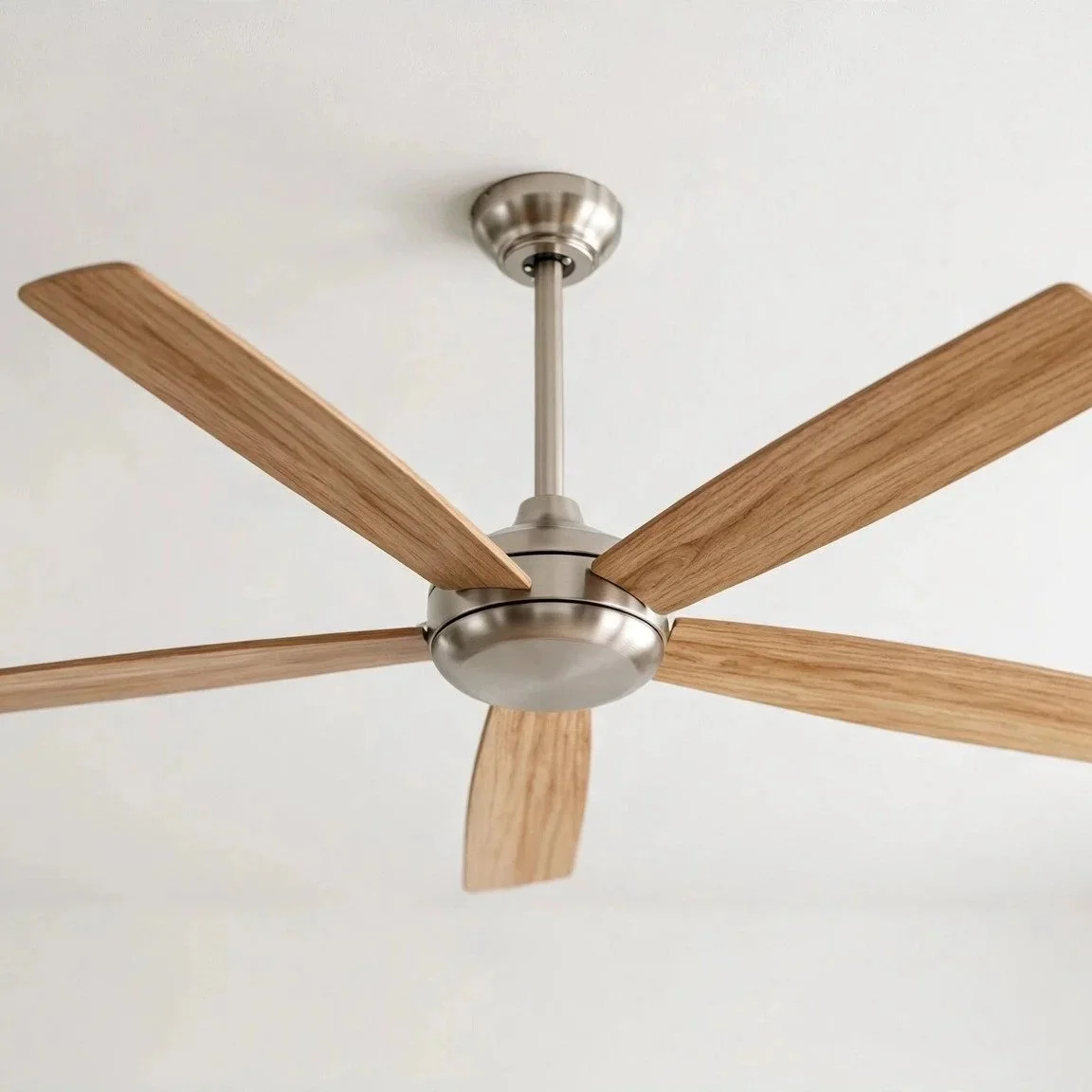
Why a Wobble Rarely Means a Bad Motor

A ceiling fan is a spinning weight held on a slender rod. Balance is everything. When all the blades sweep through the air at the same weight and the same angle, the fan tracks a clean circle and hangs steady. Change any one variable- a blade that weighs a little more than its neighbors, a blade tipped at a slightly different angle, a screw backed out a turn- and the fan starts to trace an oval instead of a circle. That off-center path is the wobble you see.

The motor spins true whether or not the blades are balanced. So a wobble points almost entirely at what surrounds the motor: the blades, the blade arms that hold them (the metal brackets often called blade irons), the rod that drops the fan from the ceiling (the downrod), and the box in the ceiling the whole thing hangs from. Work through those in order, and you solve the large majority of wobbles without ever touching the motor.

There is one distinction worth drawing before any of that. A slight, slow drift of the blade tips, a fraction of an inch, is normal on many fans and harmless. A hard, rhythmic shake that rattles the light kit and grows worse at high speed is different. That is a fan working itself loose, and a fan working itself loose is a drop hazard. If yours shakes hard, switch it off and leave it off until the cause is found.

Start With Balance and Mounting, Then Fix

  • Tighten every screw that holds a blade: Vibration loosens fasteners over months of running. The blade screws (where each blade bolts to its arm) and the blade-iron screws (where each arm bolts to the motor housing) are the first suspects because they are the ones that move. With the fan stopped, snug each one with a hand screwdriver. Do not force them; the threads seat into thin metal or into the blade material, and overtightening strips them. A single loose blade arm can throw the whole fan off.

  • Check for a warped or mismatched blade with a swap test: If everything is tight and the fan still wobbles, one blade may be warped or slightly heavier than the rest. Measure from the ceiling straight down to the tip of each blade as you rotate them by hand to the same spot; a blade that hangs lower or higher than its siblings is the odd one. You can also swap two blades' positions. If the wobble moves with the blade, that blade is the culprit and should be replaced as a matched set item, not mixed with a random spare.

  • Use a balance kit or clip weights: A balance kit is an inexpensive plastic clip and a set of stick-on weights. Clip the marker to the middle of one blade, run the fan, and note whether the wobble improves or worsens; move the clip blade to blade until you find the one where it helps most. Then slide the clip out along that blade to fine-tune, and finally stick a weight on top of the blade at that spot. It is a methodical process, not a guess, and it settles fans that are mechanically sound but never ran quite true.

TIP: Before chasing a fix, turn the fan off, let it stop fully, and check two things. Does the fan wiggle at the ceiling when you gently push up on the body, and are the blades all sitting level with each other? Any give or rattle at the ceiling points to the box or its support, while uneven blades point to a balance problem, so that answer tells you whether you are working on the fan or on what holds it.

The Mounting Cause Most Homeowners Miss

Here is the part that matters most for safety, and the part a swap test will not reveal. A ceiling fan must hang from a UL-listed fan-rated support box. That is a specific electrical box built and marked to carry a moving, vibrating load, anchored to a brace between the joists. It is not the same as the standard round box that holds an ordinary light fixture. A standard box is designed for a static weight that hangs still. A fan on a standard box vibrates the box loose over time, and a fan-rated box is the difference between a fan that stays up and a fan that eventually comes down.

If a fan was hung on a standard light box, no amount of blade balancing will hold it steady, because the whole assembly is rocking at the ceiling. Push gently up on the fan body with the power off. Any give, any shift, any rattle from inside the ceiling means the box or its support is loose or wrong. That is not a homeowner tightening job. Replacing a ceiling box with a listed fan-rated brace box means opening the ceiling, working in the wiring, and confirming the support spans the joists correctly, which is licensed-electrician work.

  • A loose or unsupported box: Even a correct fan-rated box can work loose if the brace was not tightened against the joists or the mounting screws backed out. The symptom is the same rocking-at-the-ceiling feel, and the fix is the same: a pro pulls the fan, inspects the brace and box, and re-secures or replaces it. This is the failure that turns a nuisance wobble into a genuine hazard, so it earns a real look rather than another round of blade fiddling.

  • A bent downrod: The downrod is the metal pipe between the ceiling mount and the motor. If a fan was bumped during a move, dropped during install, or forced into a boxed shape for shipping, the rod can end up slightly bent. A bent rod holds the motor off true, so the fan wobbles no matter how well the blades are balanced. Sighting up the rod against the wall line usually shows it. A bent downrod is replaced, not straightened, and the replacement must match the fan's mounting system.

When the Fan Makes Noise Instead of Wobbling

Noise is a separate diagnosis from wobble, though a bad wobble often brings noise with it. Sort the sound by its character.

A rattle or a light ticking is almost always something loose: a blade screw, the light-kit shade or its retaining ring, a wire nut tapping the inside of the canopy, or a light bulb not seated fully. Stop the fan and go through the fasteners and the glass, and most rattles disappear.

A steady electrical hum is a different animal, and the usual cause surprises people. Many ceiling fan motors are not built to run on a dimmer or a light-dimming switch. If someone wired the fan to a standard dimmer, or set it on a solid-state speed control it was not designed for, the motor buzzes because the switch is chopping the power in a way the motor cannot smooth out. The fix is to feed the fan from a proper fan-rated speed control or the fan's own remote or pull chain, not a lamp dimmer. Correcting that switch is wiring work, so the breaker goes off first, and if you are not certain what is behind the wall plate, it belongs to an electrician.

A grinding, whirring, or cyclic groan that rises and falls with speed usually points to the motor bearings. Bearings are the only part inside the motor that wears, and a dry or failing bearing makes noise the way a bad wheel bearing does in a car. Some fans allow a drop of oil in a marked port; many sealed motors do not, and a failed bearing there means the motor is at the end of its life, and the fan gets replaced. Bearing noise is the one sound that actually does implicate the motor, which is exactly why it is worth naming apart from the loose-part rattles.

What You Can Safely Do, and What Needs a Pro

Balancing blades, tightening blade and blade-iron screws, running a balance kit, swapping a warped blade, and seating a light kit are all homeowner-safe from a stable ladder with the fan switched off. None of that touches live wiring. Keep one hand free, set the ladder on a level floor, and do not reach out past your balance to a fan you cannot comfortably face.

If the fan is shaking hard enough to rattle the ceiling, treat it as a drop hazard, stop using it, and get it looked at rather than living with it. Replacing a ceiling box with a fan-rated brace box, re-securing a loose box, swapping a bent downrod, or any switch or dimmer rewiring means working in the wiring and the structural support overhead, so the breaker for the circuit goes off first, not just the wall switch.

FAQ - Artificial Grass

Frequently Asked Questions

A listed fan-rated outlet box is built and marked to support at least a 35-pound moving fan load, and boxes marked for heavier fans carry a higher rating stamped on them. A standard light box is typically rated only for a static fixture weight and never for the shifting, rocking load a spinning fan applies, which is why the swap matters even when the fan feels light.

Not directly, but the small reversing switch on the motor housing has to be fully seated in either the up or down position. A switch left halfway between summer and winter settings can leave the motor stuttering and add a faint shake, so click it firmly one way. Run the fan pushing air down in warm months and pulling it up on low in cool months; balance stays the same either direction.

Yes, and it is one of the easiest to miss. Dust does not settle evenly, so a heavy fuzzy edge on the leading side of some blades but not others shifts the weight balance enough to start a slow wobble. Wipe each blade top and bottom with a damp cloth, keeping the pressure even so you do not flex a blade, and recheck before you reach for a balance kit.

A minor imbalance produces force that grows with the square of the speed, so a flaw you cannot feel on low becomes an obvious shake on high. That pattern points to a balance issue rather than a loose box, since a loose mount usually rocks at every speed. Start with the swap test and a balance kit rather than opening the ceiling.

Over a long time, it can. Constant off-axis vibration puts uneven side load on the motor bearings and works the downrod pin and mounting fasteners loose, so a wobble left alone tends to invite the bearing noise and rattles described above. Balancing a fan early is as much about protecting the motor as about comfort.

If the switch is confirmed correct and the hum remains, look at the capacitor inside the switch housing, a small component that sets the fan's speeds. A failing capacitor can leave the fan humming, stuck on one speed, or slow to start. That part is replaceable, but it sits in the wiring, so it is a licensed-electrician diagnosis rather than a ladder-and-screwdriver fix.

Get a wobbling or humming fan checked before it becomes a drop hazard — a licensed electrician can secure the box and settle the noise for good. Zimmerman Electric serves Redondo Beach, Torrance, and the South Bay. Call (310) 378-1323.